Translate YouTube Captions to Another Language
Translate YouTube captions to another language and download them as text files, all with ChatTube.
No need to manually download subtitles from YouTube and upload them to Google Translate anymore. Get your captions automatically translated to Spanish, German, Italian, Chinese, Korean, and over 10 other languages.
Just search or paste a YouTube video link, select your target language, and click translate. Your captions will be translated and ready to download in seconds.
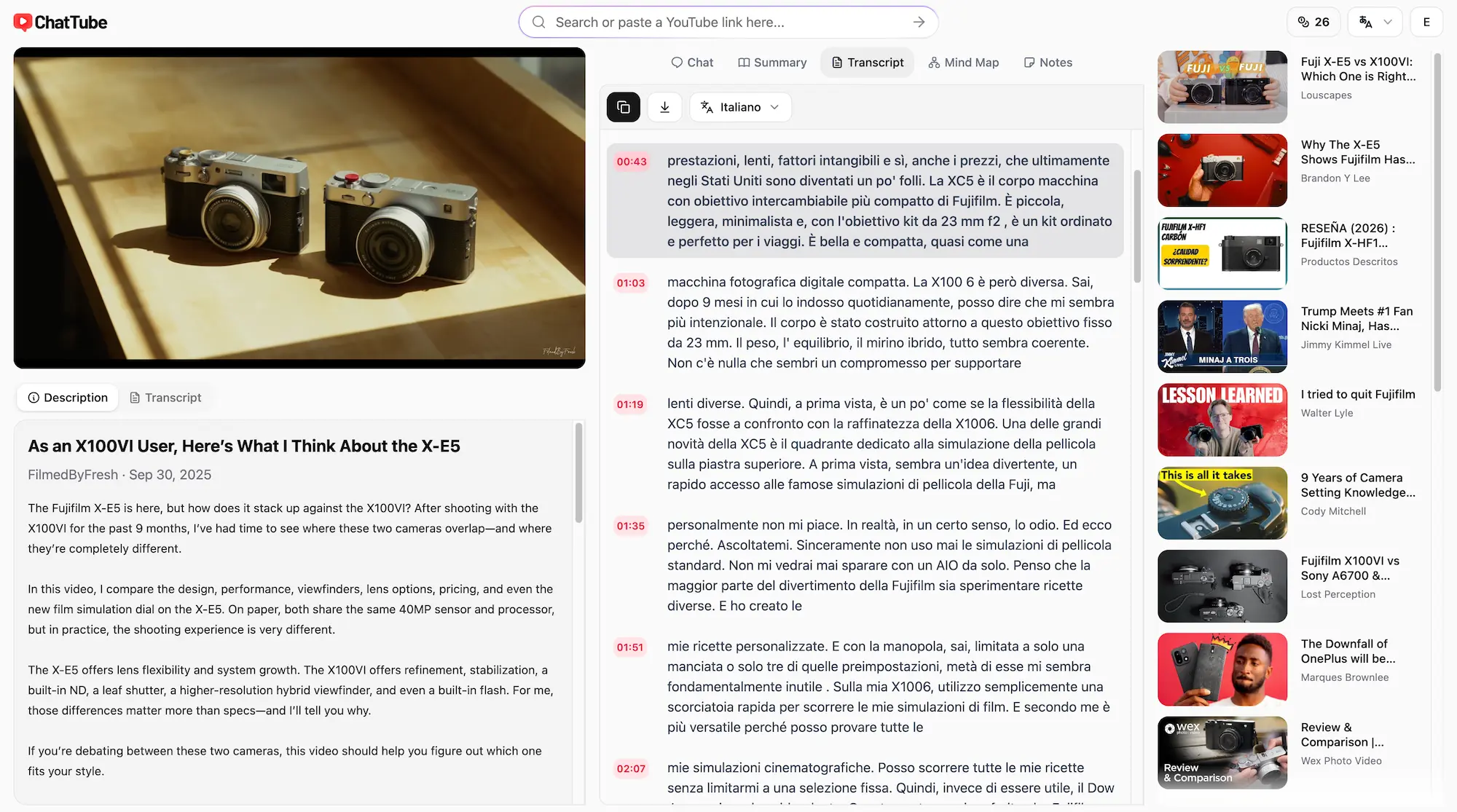
Translate captions for global audiences
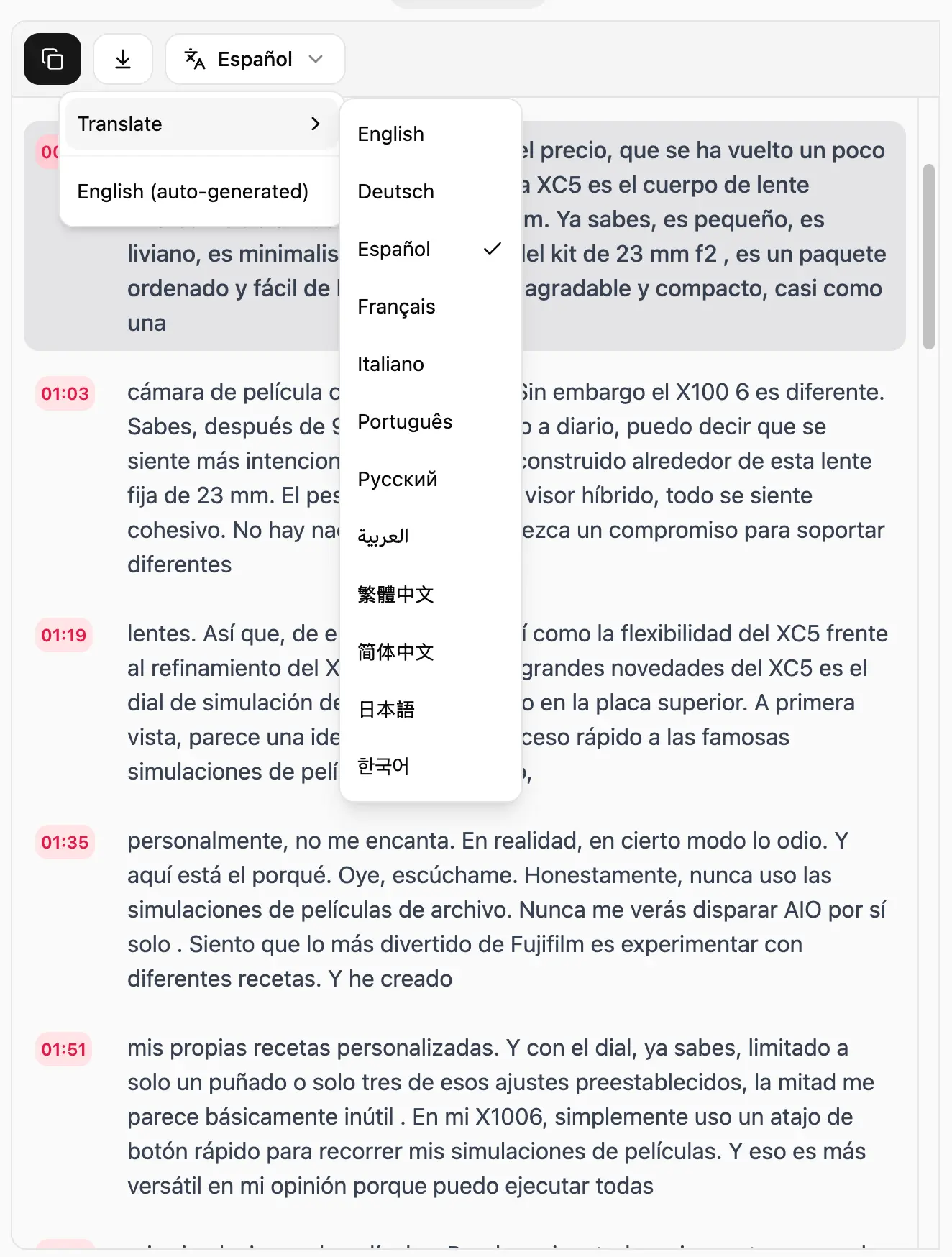
ChatTube supports more than 10 languages for caption translation. You can translate from English into other languages, or take Korean captions and turn them into English.
If English isn't your first language, you can also go between two other languages, e.g. Spanish to German, or Japanese to Chinese.
We currently support these languages:
- English
- Portuguese
- German
- French
- Japanese
- Russian
- Polish
- Italian
- Korean
- Chinese
- Arabic
There's no coding required to translate YouTube videos. You don't need to set up a translation API or manage any technical setup. ChatTube handles the process for you.
If you need a language that isn't on this list, reach out to us at [email protected] and we'll work on adding it.
How it works: Translate subtitles from English to Spanish
Step 1: Copy the YouTube video link and paste it into ChatTube's input box, then press "Enter".
Step 2: Go to the Transcript tab and click the language selector at the top.
Step 3: Click "Translate" and select Spanish. Wait a few seconds for the translation to complete.
If you want to copy or export the translated subtitles, click the "Copy" or "Download" button at the top. ChatTube offers three format options: TXT, Word, and PDF.
Captions that stay in sync
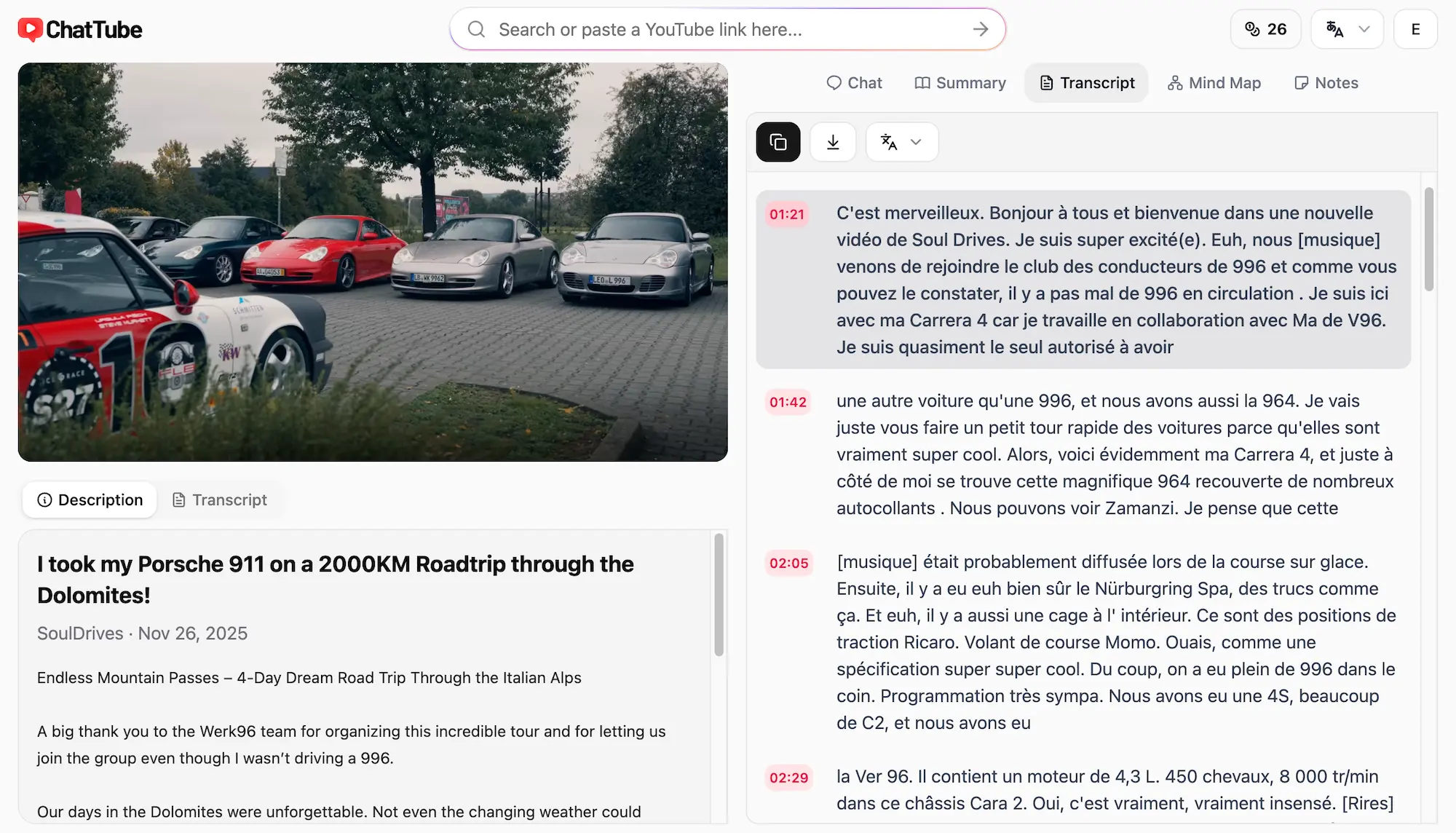
Each translated caption includes a timestamp that matches the original, so everything stays lined up. You don't need to go through each line manually to check if the timing is off.
Every timestamp is clickable, which means you can jump to that exact moment in the video.
We also embed the YouTube video directly on the page, so you can watch and read the translated captions at the same time.
Clear, context-aware translations
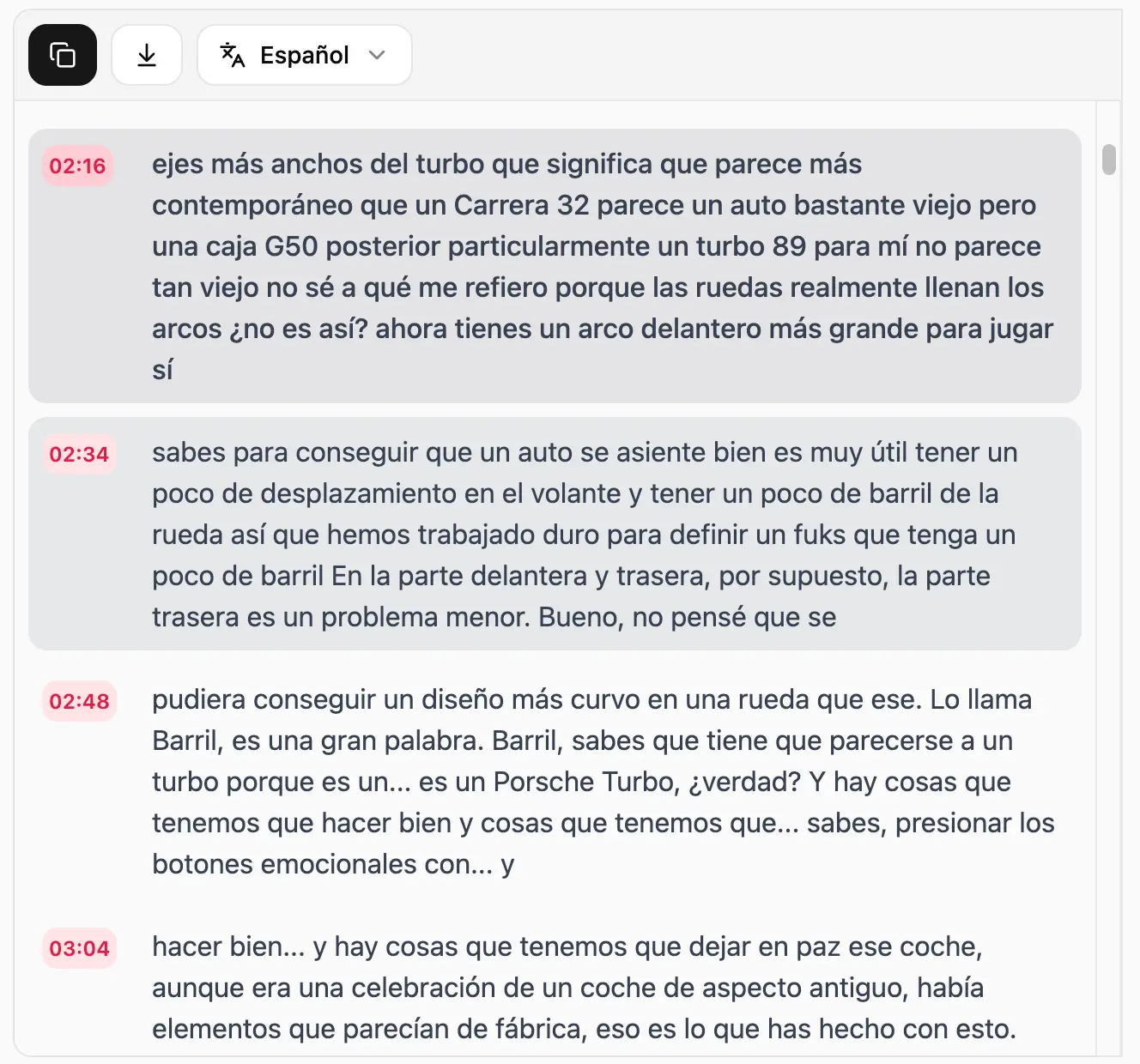
ChatTube works with videos that have more than one language in the audio. For example, if a video switches between English, Spanish, and Italian, you can translate everything into German at once.
Product names and technical terms stay intact so the translation doesn't replace words that shouldn't change. The result is captions that are easy to read and straightforward.
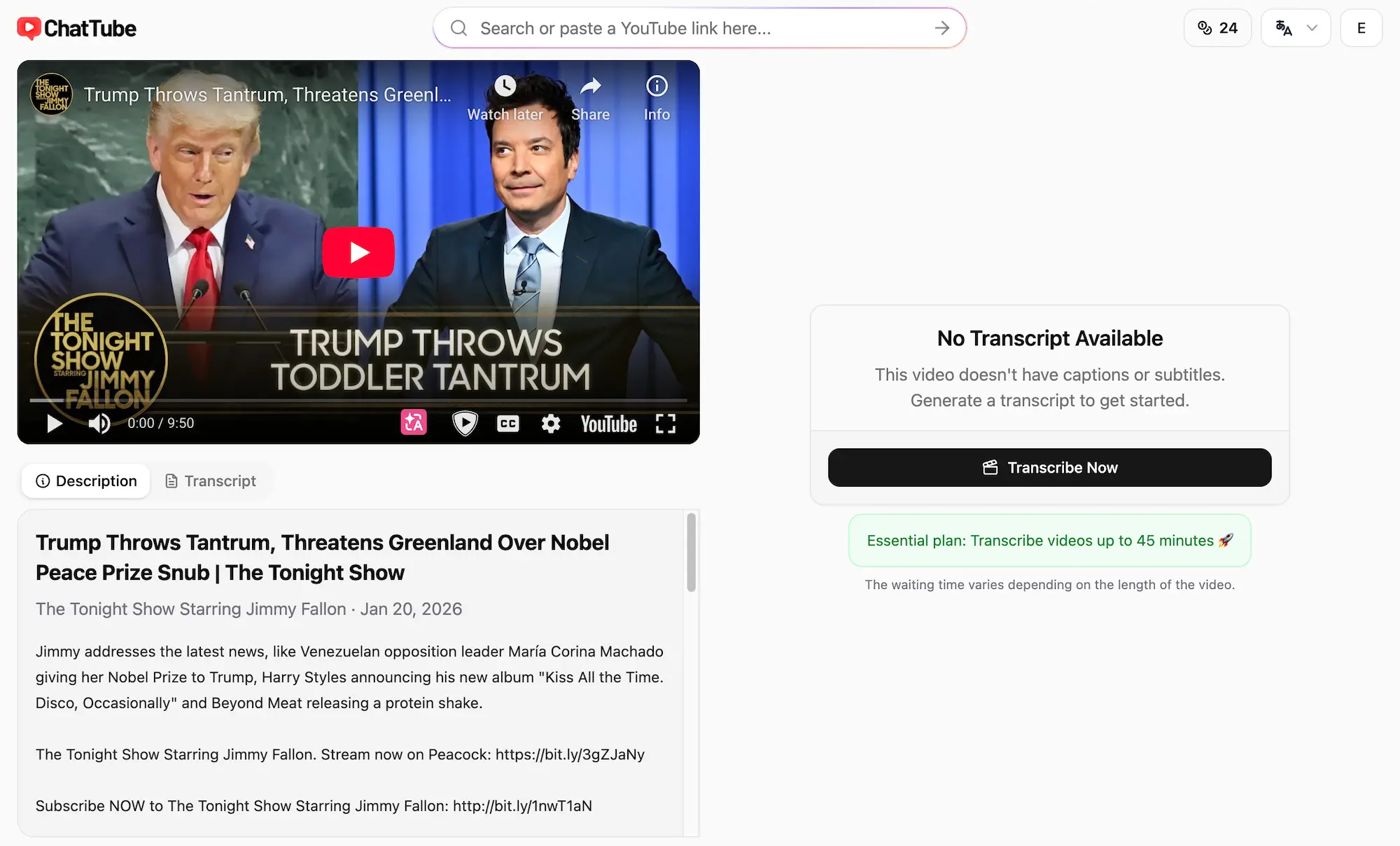
Get captions even when none exist
YouTube doesn't always provide captions, especially for videos in less common languages.
We transcribe these videos and create captions based on the audio. You can then translate the captions into other languages.
The transcription runs on OpenAI's Whisper model, which supports more than 98 languages. You can find more information here.
Translate YouTube Videos Now
Paste a YouTube link and translate the captions.