Summarize Video to Text
Summarize YouTube videos to text in seconds and for free with ChatTube. Save time on long videos by skipping segments without having to pause and take notes.
All you do is paste the video URL and get the summary. Jump straight to the most important timestamps the summary highlights so you only watch what matters.
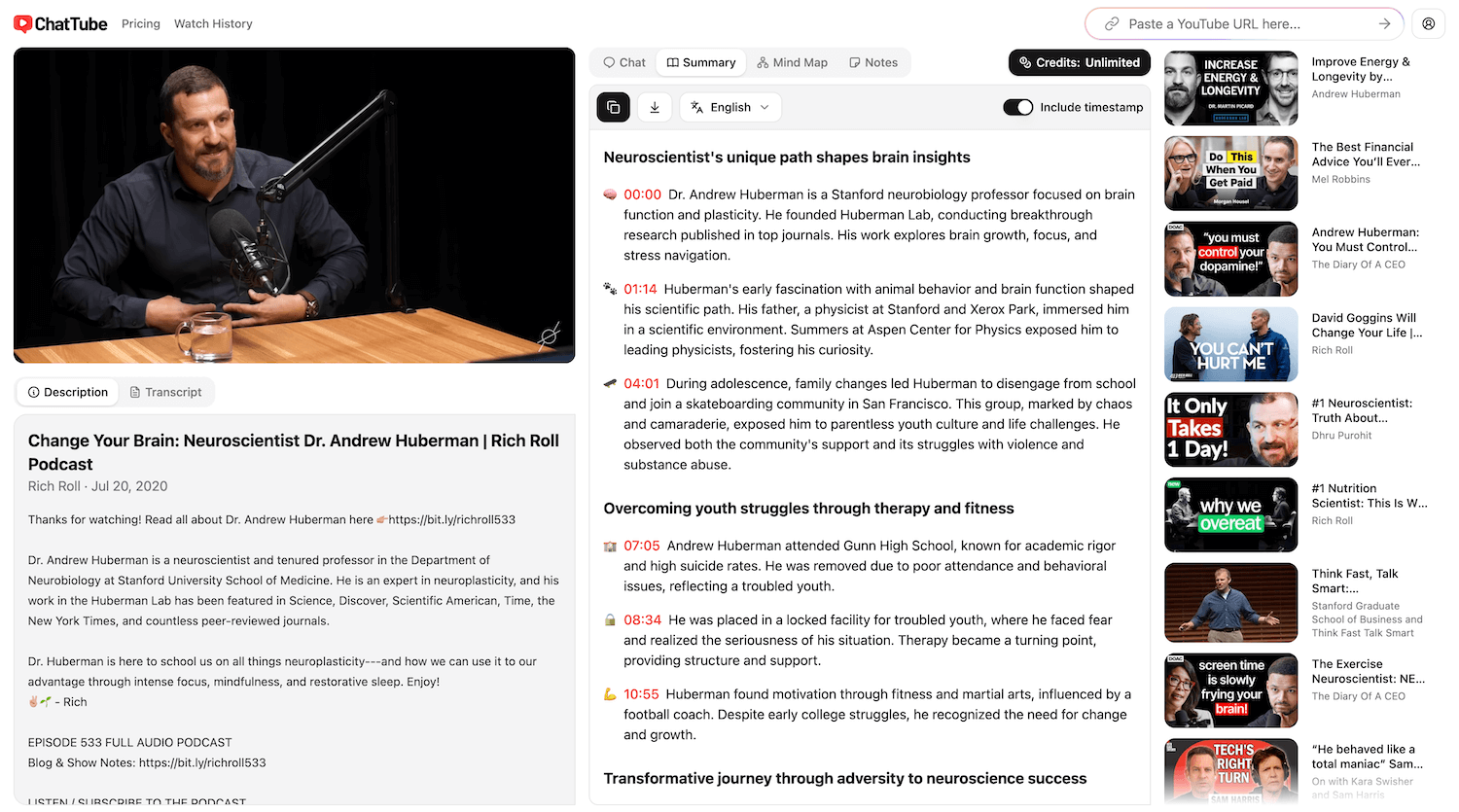
The YouTube video summarizer that actually works
Most available summarizers struggle to produce precise outputs, especially for longer video content.
Many of them are not very intuitive and lack interactive features like clickable timestamps or conversational question-answering capabilities.
ChatTube offers interactive summaries with clickable navigation and conversational features that directly address these issues.
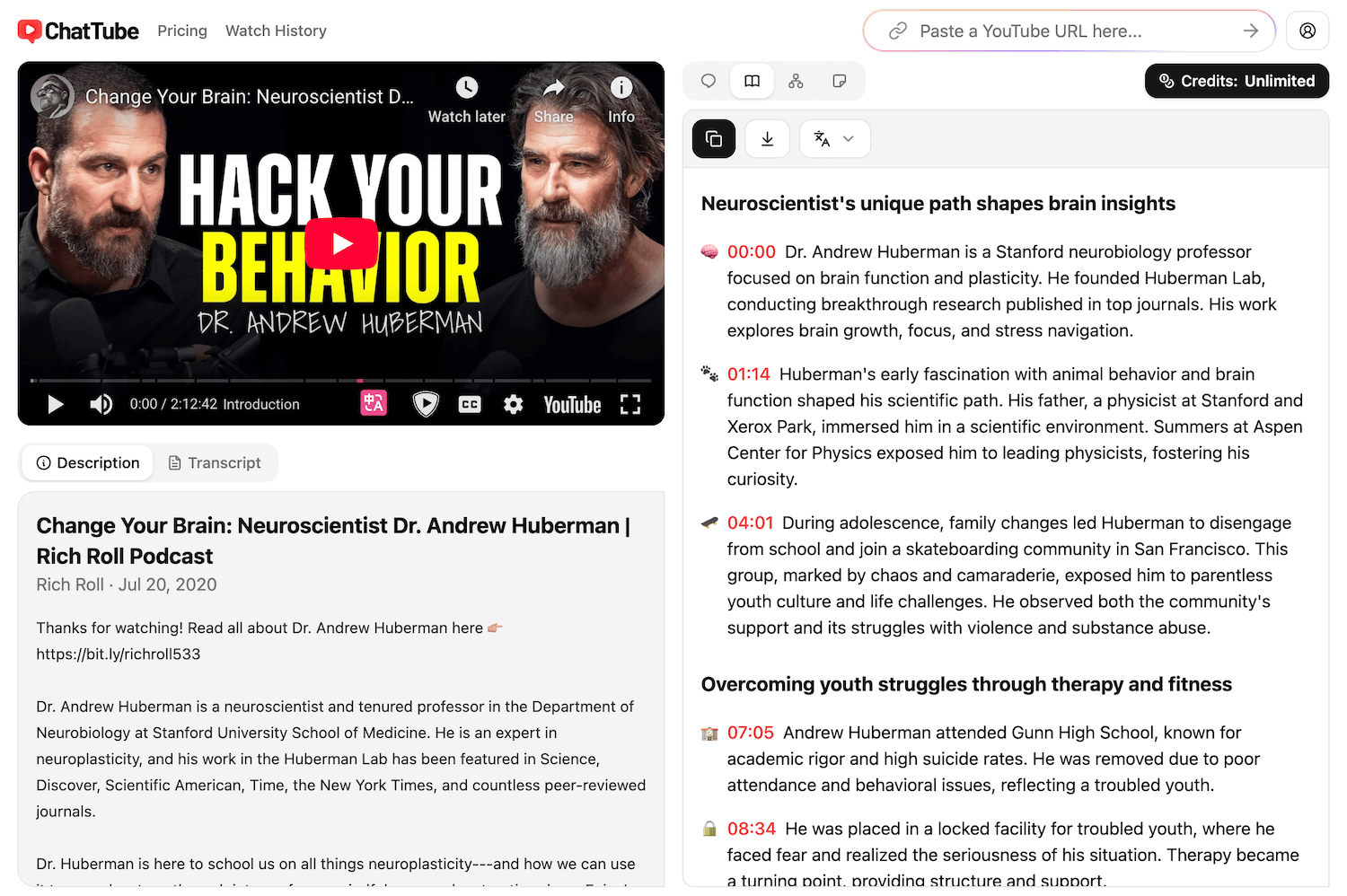
Summarize videos efficiently
You don't need to transcribe the video and summarize it manually. ChatTube turns long videos into short, readable summaries so you can understand the main points without watching every minute.
This is perfect for:
- Catching up on long lectures
- Reviewing meeting recordings
- Skimming tutorials before a deep dive
- Comparing multiple videos on one topic
- Saving notes for future reference
- When the video has no captions
- And much more...
Let the tool handle the heavy lifting for long videos, so you can focus on what matters to you.
Capture all the important details
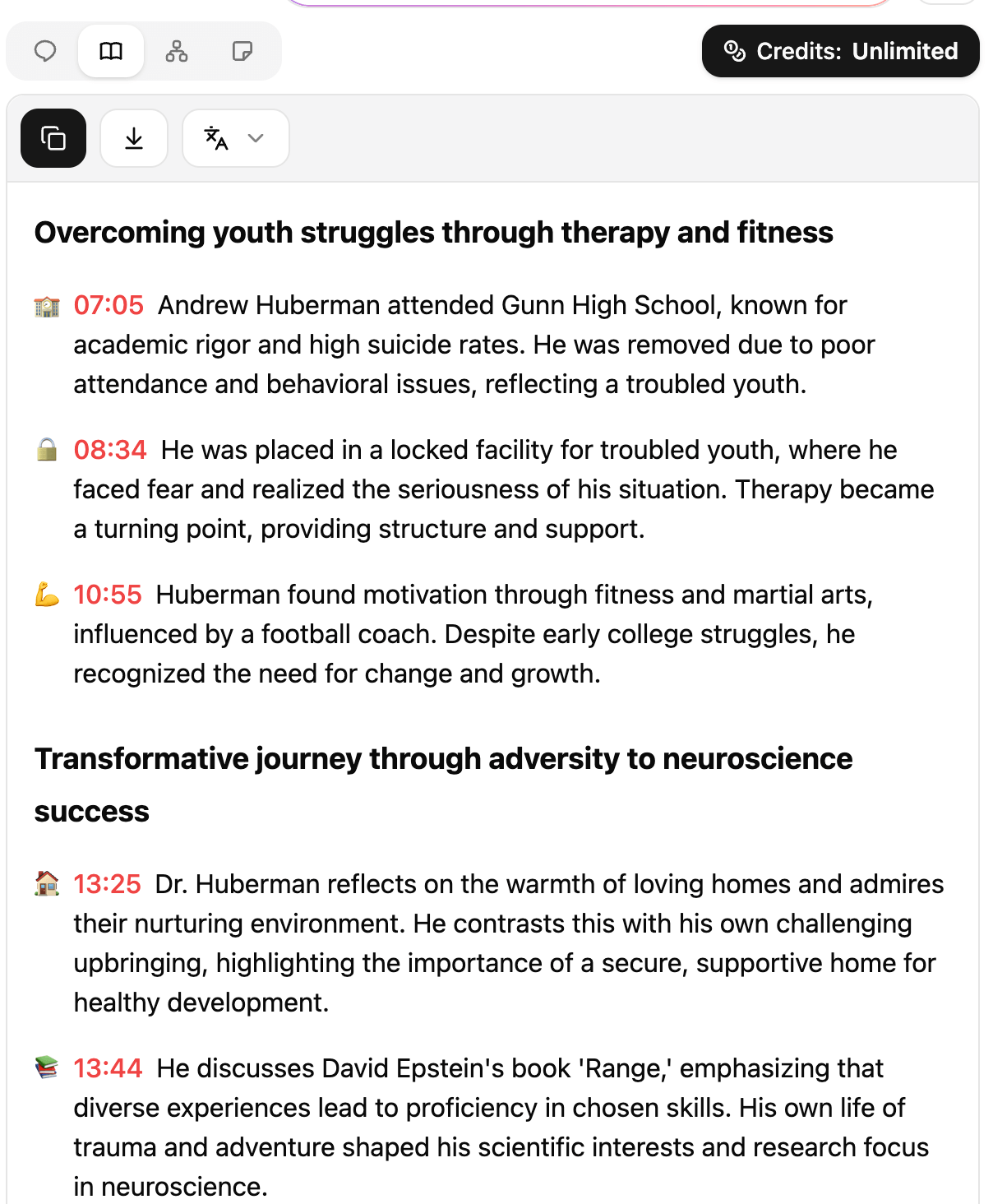
ChatTube uses modern video and language models to pick out the main points, so you do not have to worry about missing key ideas.
The video is organized into clear sections with short headings and bullet points, making the structure easy to scan.
Each section highlights its core ideas, so you can quickly see what it covers, skip what you do not need, and focus on the parts that matter most to you.
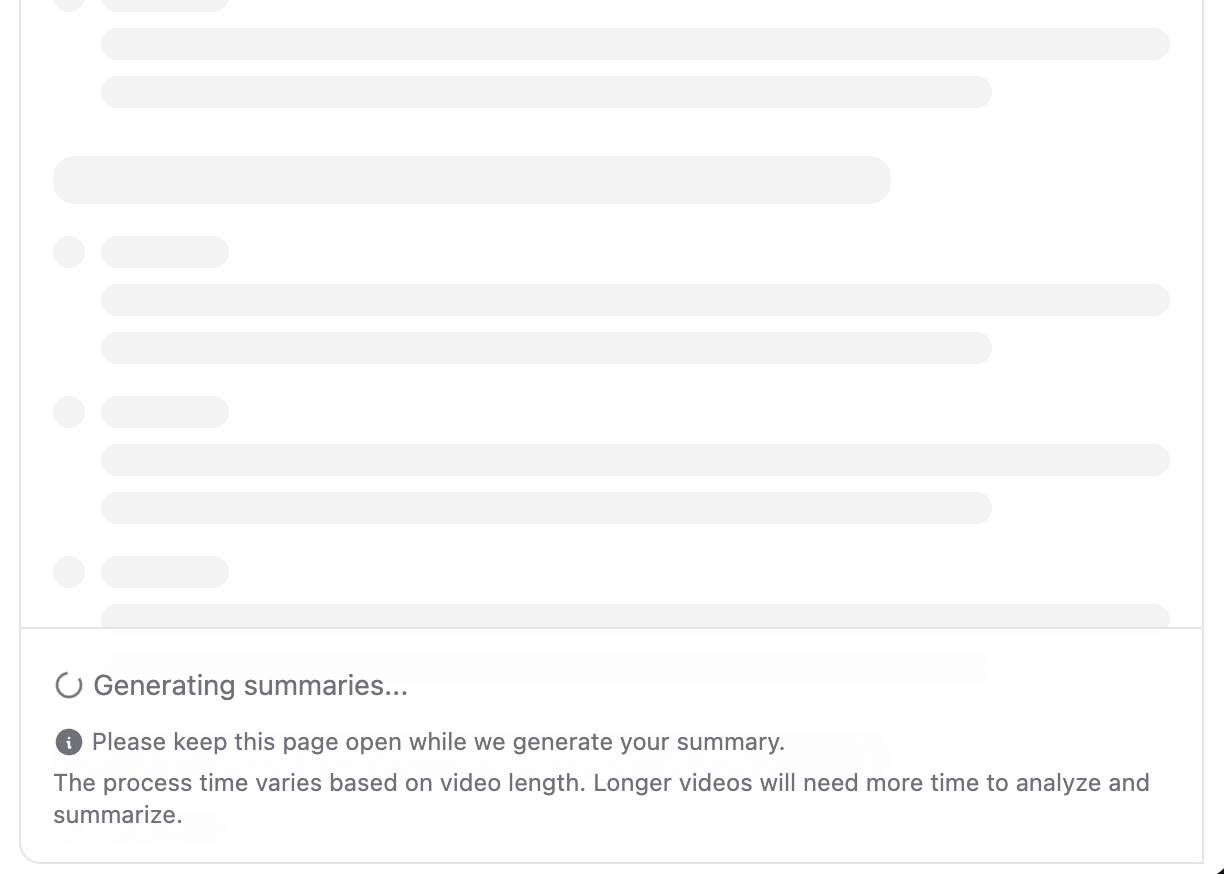
Fast and straightforward
You only need to paste a YouTube URL and click the “Summarize” button to get started.
The summary is generated in seconds, so you do not need to wait through the full length of the video. This keeps the process simple and lets you move quickly from watching to reading.
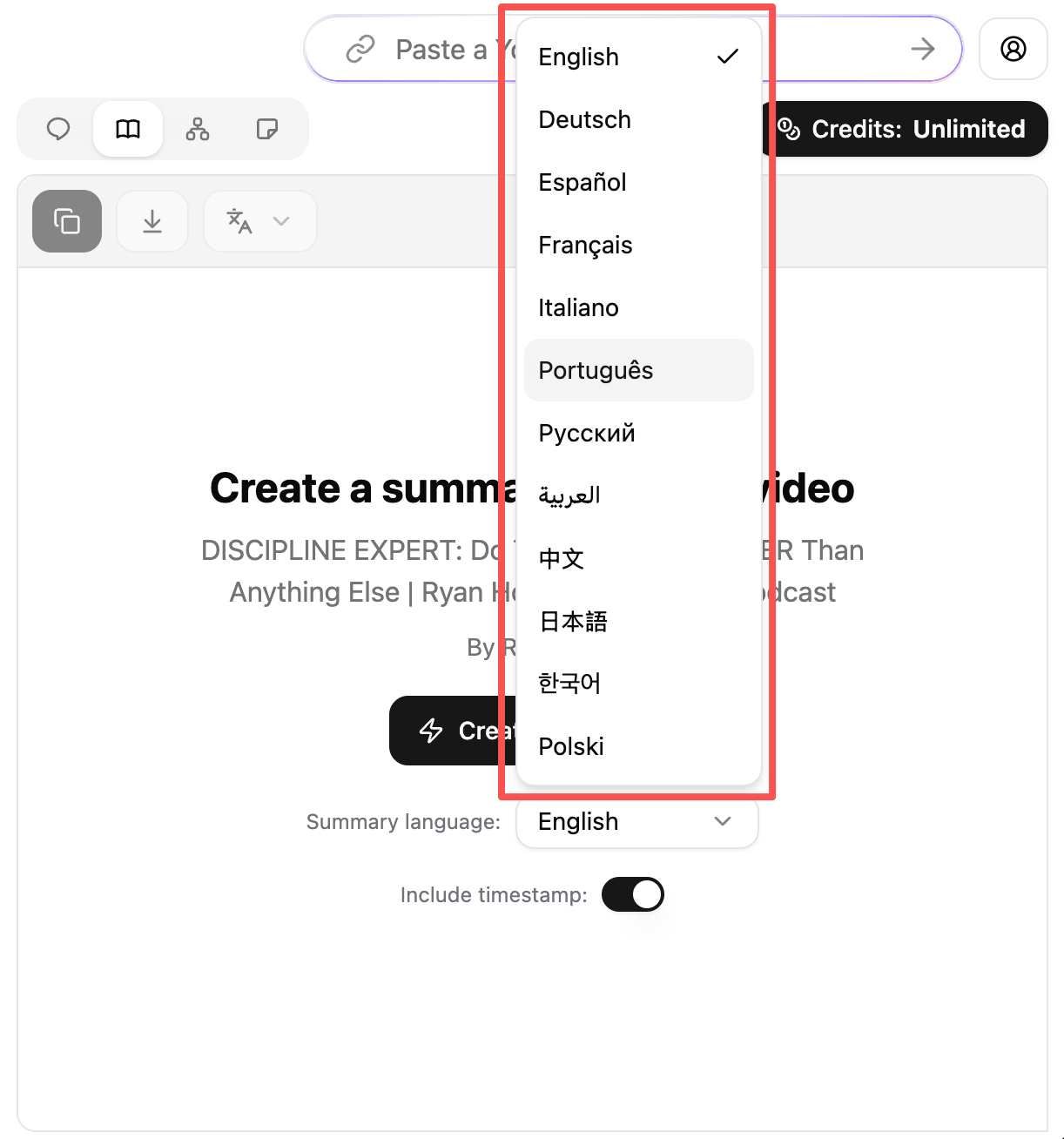
Summarize in any language
Many YouTube videos are available in only one language, which can be a barrier if you are not a native speaker.
ChatTube can summarize the video into your preferred language, so you can read the main points in a way that feels more natural to you.
It helps you follow along with talks, tutorials, or lectures that might be hard to understand just by listening to the original audio.
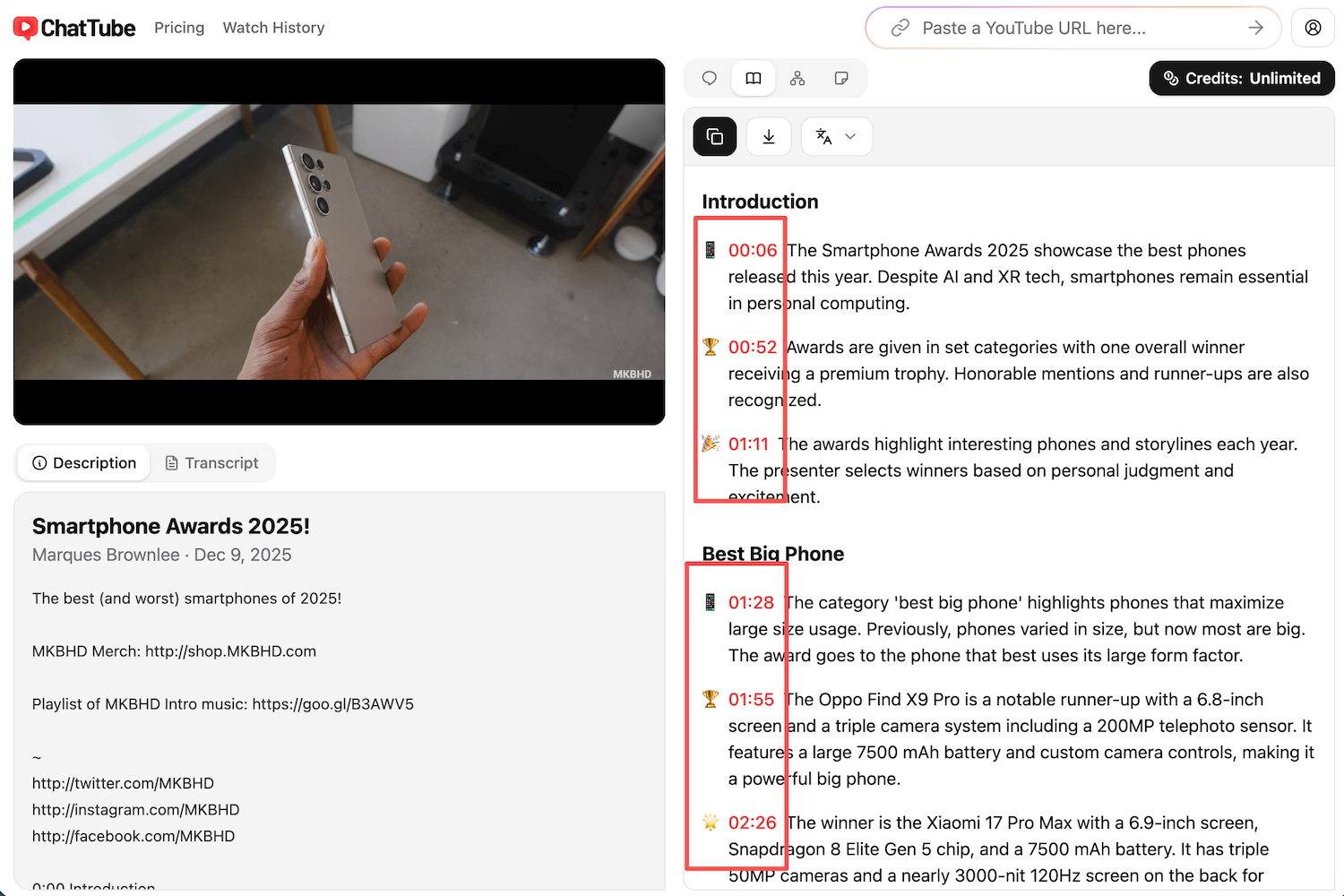
Navigate to key moments
Each summary is broken into clear bullet points, and each point includes a clickable timestamp next to the text.
This lets you jump straight to the exact moment in the video where that part is discussed.
You can quickly scan the summary, choose the section you care about, and then watch that segment in context to deepen your understanding.
Turn your videos into clear summaries
Start with a link, end with a short, organized summary in seconds.